Wireless Security Camera System Setup for Small Businesses
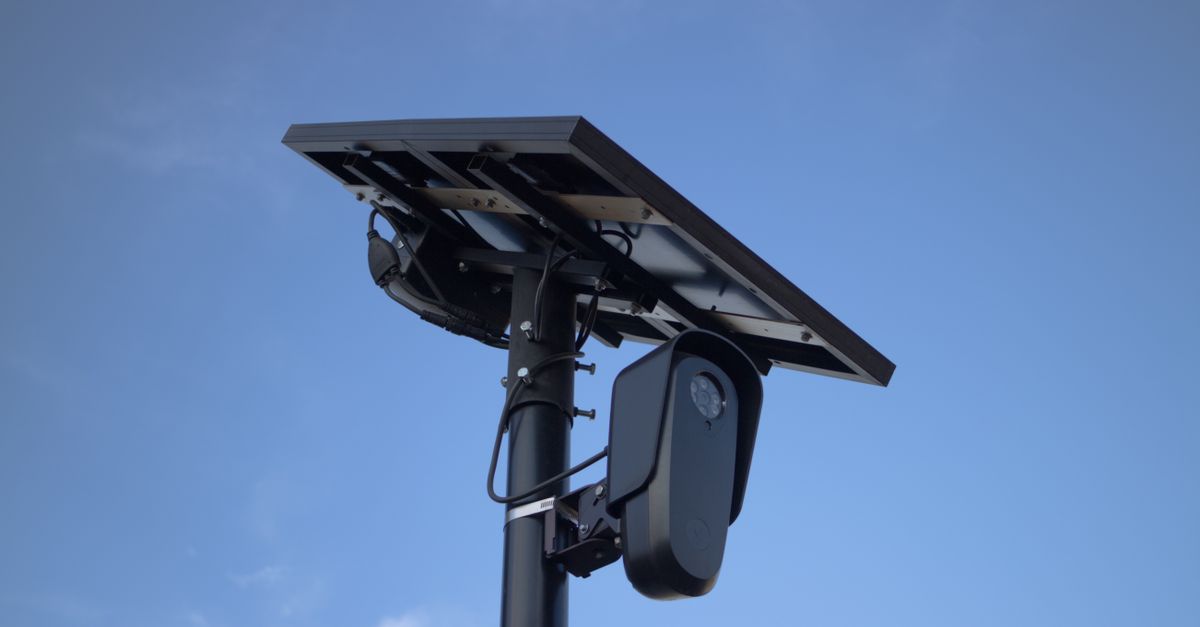
Table Of Contents
Configuring Your Camera System
Choosing the right positioning for your wireless security cameras is critical for ensuring comprehensive coverage. Look for areas with high foot traffic or potential entry points such as doors and windows. When installing, ensure the cameras are mounted securely and at an optimal height to capture clear images. Use a combination of fixed and pan-tilt-zoom (PTZ) cameras for flexibility in monitoring larger spaces.
Adjust the camera settings after installation to enhance image quality. Setting the resolution to a higher level will yield clearer footage, while configuring the field of view can help minimise blind spots. Make use of features such as motion detection, which can alert you to suspicious activity, and night vision capabilities for effective surveillance in low-light conditions. Regularly review and adjust these settings to adapt to any changes in your business environment.
Setting Up Network Connections
Establishing a reliable network connection is crucial for running a wireless security camera system efficiently. Begin by ensuring your Wi-Fi router has sufficient coverage throughout your premises. Consider positioning the router in a central location to minimise dead zones. If the signal strength is weak in certain areas, adding range extenders can significantly enhance connectivity. A strong and stable internet connection is essential, as it enables real-time video streaming and timely alerts.
After confirming network stability, connect each camera to the network according to the manufacturer’s instructions. Most modern cameras utilise a mobile app for setup, guiding you through the process step-by-step. Make sure to secure your network by using strong passwords and enabling encryption protocols. Regularly updating your router's firmware can also provide additional security measures, protecting your camera feed from potential threats.
Integrating with Existing Security Systems
Combining a new wireless security camera system with existing security infrastructure enhances overall protection and streamlines surveillance operations. Integrating different technologies can create a more cohesive security approach, allowing for better monitoring and response times. It is essential to evaluate current systems, such as alarm setups or access control, to determine compatibility with the new cameras. Knowing the capabilities of each component will help in designing an integrated setup that meets specific business needs.
When linking the wireless cameras to existing systems, consider using a smart hub or software that supports multiple devices. This ensures that all security features can be accessed from a single interface, simplifying management for business owners. Integration not only boosts efficiency but also increases the effectiveness of risk management strategies. Regular updates and maintenance of all connected systems will help in keeping the entire framework functional and secure.
How to Combine Technologies
Integrating various technologies can enhance the effectiveness of a wireless security camera system. Many modern cameras come equipped with features such as motion detection, cloud storage, and smartphone notifications. These features work best when paired with other security measures like alarms and access control systems. For instance, a camera can trigger an alarm if it detects motion, alerting business owners instantly, ensuring rapid response to potential threats.
Utilising smart home technologies can further optimise security setups. Devices such as smart locks and lights can be programmed to function in sync with camera feeds. When a camera senses movement, it can automatically activate outdoor lighting, making the area more visible. This interconnected approach not only enhances overall security but also provides small business owners with comprehensive monitoring and control through a unified platform.
Privacy and Legal Considerations
Cameras installed in public areas often raise concerns about personal privacy. Business owners must ensure they respect the boundaries of their employees and customers while deploying surveillance technology. Clearly informing individuals about the presence of cameras can mitigate potential backlash. Placing signs that indicate surveillance is occurring can help establish transparency and trust in the business environment.
Understanding local laws surrounding surveillance is crucial for compliance. Various regions have specific regulations governing the use of security cameras. In Australia, businesses must navigate both federal privacy laws and state legislation that dictate how and when surveillance can be legally conducted. Consulting with a legal expert can provide clarity on these obligations, ensuring that the business operates within the legal framework while safeguarding its assets.
Understanding Surveillance Laws
Surveillance laws in Australia vary by state and territory, impacting how businesses can utilise wireless security cameras. It is essential to understand these laws to ensure compliance while maintaining safety and security. Many jurisdictions require individuals to be notified when they are being filmed in a public space. Businesses need to evaluate the locations of their cameras and determine whether signage or other forms of notification are necessary.
The Privacy Act 1988 also plays a crucial role in guiding how businesses manage the data collected from surveillance systems. Businesses must have a clear purpose for recording and storing footage, and they should implement strict policies for access and retention. Handling personal information responsibly is important to avoid potential legal complications. Familiarising oneself with both federal and state regulations is vital for a successful and lawful implementation of a wireless security camera system.
FAQS
What are the key steps for configuring a wireless security camera system for a small business?
The key steps include selecting the right cameras, setting up network connections, ensuring proper placement, and configuring the camera settings via the associated software or app.
How do I set up network connections for my wireless security camera system?
To set up network connections, connect the cameras to your Wi-Fi network by following the manufacturer's instructions, ensuring you have a strong signal in the areas where cameras are installed, and using a secure password to protect your network.
Can I integrate a wireless security camera system with my existing security systems?
Yes, you can integrate a wireless security camera system with existing security systems, such as alarms and access controls, by using compatible technologies and software that allow for centralised management.
What are some technologies I can combine with my wireless security cameras?
You can combine technologies such as motion sensors, smart lighting systems, and alarm systems to enhance your overall security setup and improve response times.
What should I consider regarding privacy and legal aspects when installing security cameras?
When installing security cameras, you should understand surveillance laws in your area, inform employees about monitoring, avoid placing cameras in private areas, and ensure compliance with data protection regulations to respect privacy rights.
Related Links
How to Choose the Right Wireless Security Cameras for Your PropertyBest Practices for Installing Wireless Security Cameras in Gold Coast Homes
Common Mistakes to Avoid When Installing Wireless Security Cameras
Benefits of Hiring Professionals for Wireless Security Camera Installation
Enhancing Your Property’s Security with DIY Wireless Camera Installation
Wireless Camera Installation: Essential Tools and Equipment
Tips for Effective Wireless Security Camera Placement in Residential Areas
Troubleshooting Wireless Security Camera Installation Challenges